Buck Me
Buck Me is the GTA 6 mission that gives Jason and Lucia a bank account: a meeting at the Fleeca branch in Key Lento, then the BuckMe app.
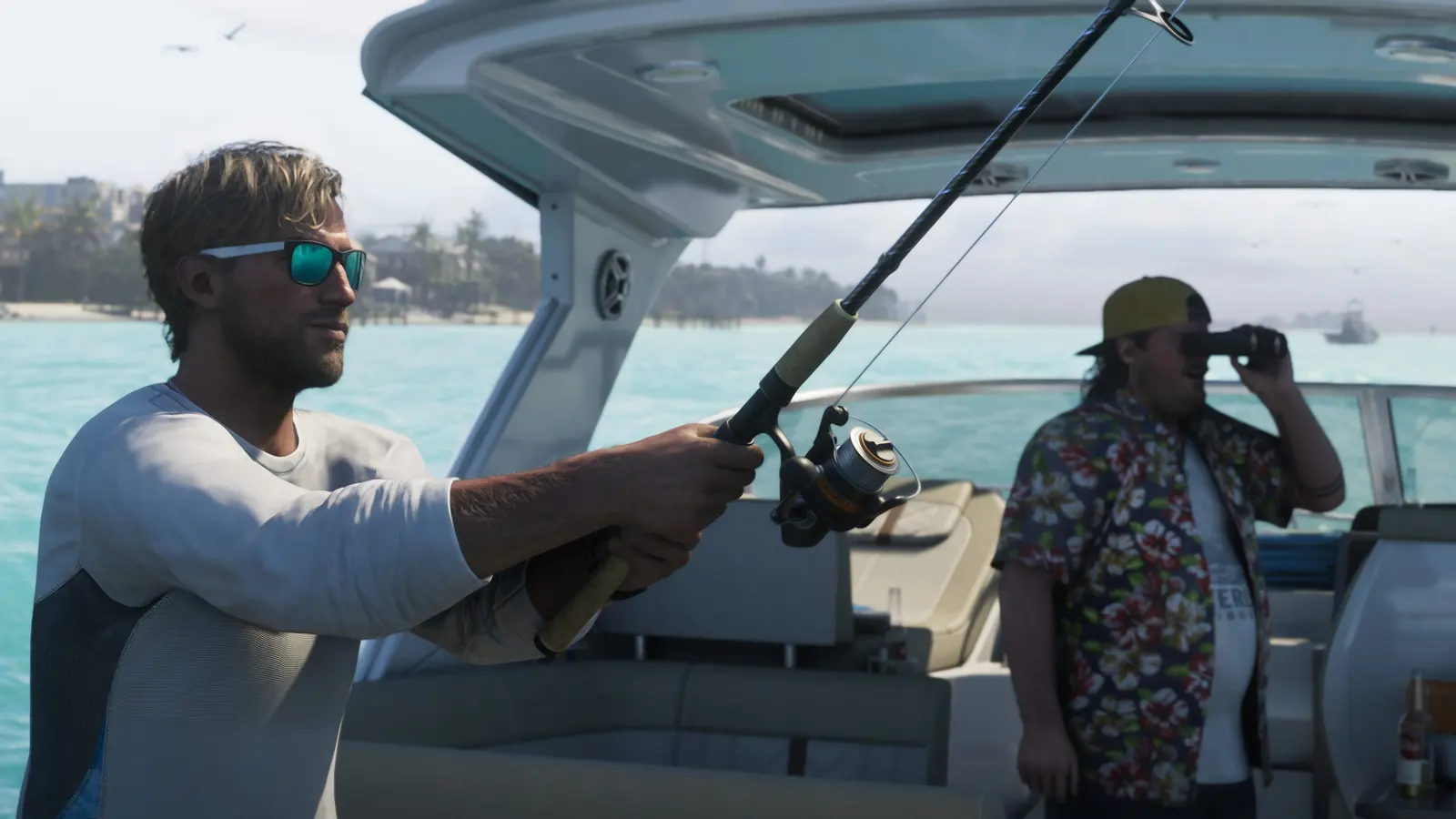
Buck Me has no action: one meeting at the Fleeca branch in Key Lento, then a short tutorial on Jason's phone. It gives you the BuckMe app, which is your bank from here on, with a $100 welcome gift. The tutorial has you move that $100 into Family Savings, and money placed there can never be withdrawn. Finishing Buck Me and Clean Up After Donnie opens Down to Earth.
Video walkthrough
Video by LaazrGaming, played from YouTube.
Where it starts
Fleeca branch, Key Lento.
Objectives
- Ask about setting up a bank account
- Follow the manager
- Open BuckMe
- Move money into the Family Savings account
Walkthrough
One step at a time in large type, with the screen kept on. Made for a phone beside the controller.
Buck Me gives you the BuckMe app and $100. Money you move into Family Savings can never be taken out again.
- Wait for Lucia's call, about half a day after Coming Home, then go to the Fleeca branch in Key Lento.
- Ask the teller about setting up a bank account. The teller sends you to the manager.
- Find the manager at the table in the right corner and follow him into his office.
- Watch the meeting. The couple's credit is too poor for an account, and the manager offers the BuckMe app in its place.
- After the cutscene you are back home, with a $100 welcome gift in the checking account.
- Open your phone and tap the purple B.
- Select Checking Account from the top menu, then Buck Yourself, and move the $100 into Family Savings.
BuckMe has rules that matter for the rest of the game. Family Savings cannot be lost. Each savings goal you reach unlocks price reductions and raises the limit of the checking account. When checking is at its limit, incoming payments are held until you spend money or move some to Family Savings.
Vendors take pocket cash only up to $999. Purchases over $1,000 are paid through BuckMe automatically, and so is anything you buy with $0 in your pocket.
You can deposit cash at any ATM, and the ATM Finder in the app sets a destination for you. Dying costs you all your pocket cash and usually a smaller part of the checking balance, so deposit often.
The optional mission Save for the Future starts here and runs for the whole story.
What it unlocks
- BuckMe app (bank account).
- Save for the Future (optional, runs through the whole story).
- Down to Earth, once Clean Up After Donnie is also done.
Connected entries
Sources
- KeenGamer: GTA 6 chapters and story missions in order (publication)
- Dexerto: GTA 6 mission list (publication)
- DayOne: every mission in GTA 6 (publication)
- PowerPyx: GTA 6 Buck Me (Set Up Bank Account) Walkthrough (publication)
- GTA Wiki: Buck Me (open wiki)
- PowerPyx: GTA 6 Down to Earth (Meet Brian) Walkthrough (publication)
Last checked on November 19, 2026.
Spotted something wrong or out of date? Tell us